

The Ultimate Guide to Staying Safe on Public Wi-Fi with PandaVPN
 Sharon
  2026.02.28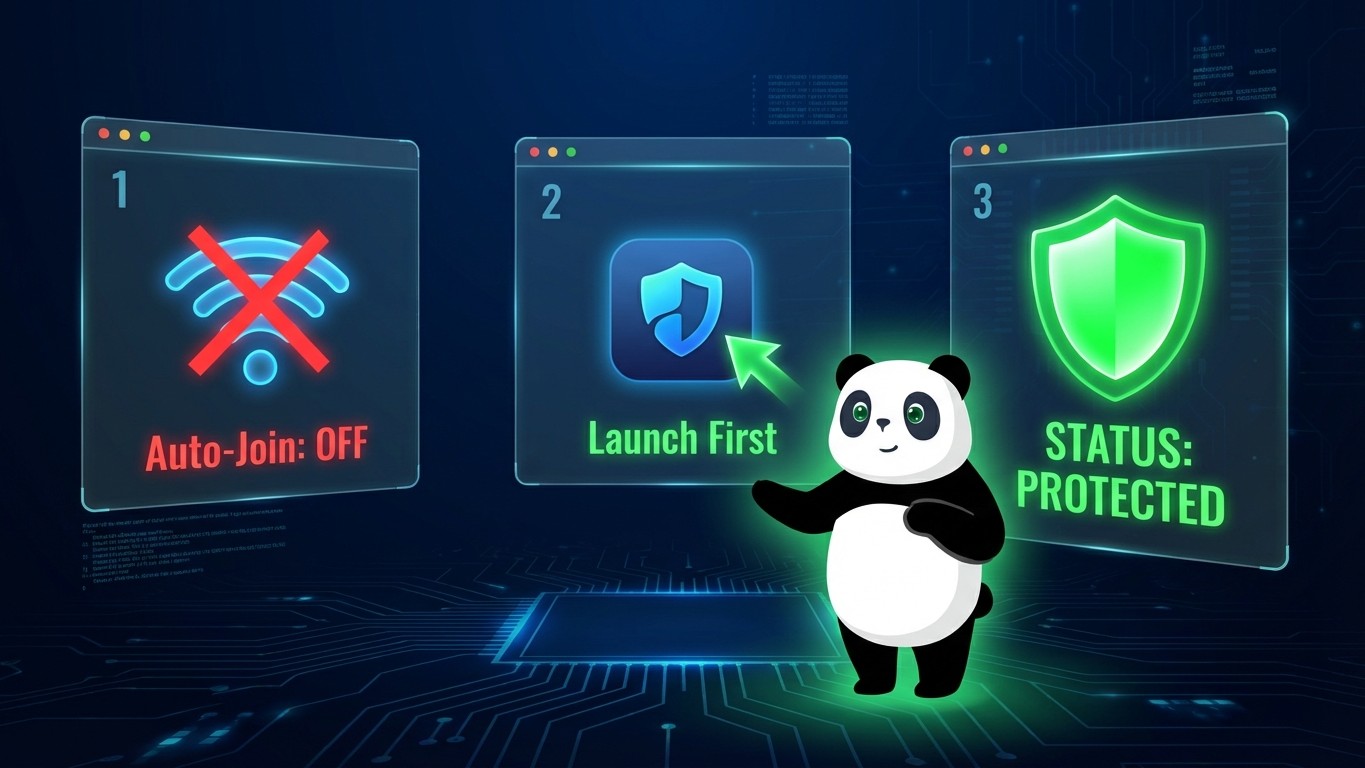

Public Wi-Fi is a double-edged sword. While convenient, open networks in coffee shops, airports, and hotels are breeding grounds for cybercriminals. Without protection, your passwords, credit card details, and private messages are “broadcast” to anyone nearby with the right tools.
To help you stay invisible, here is the definitive guide to using PandaVPN to secure your connection on any public network.
Step-by-Step: How to Safely Use Public Wi-Fi
Following these steps ensures that even if a hacker is monitoring the public hotspot, your data remains an unreadable, encrypted mystery.
1. Download and Install Before You Go
Never download a security app while already on an untrusted network. Install PandaVPN on your Windows, Mac, iOS, or Android device using your secure home or cellular connection first.
2. Disable “Auto-Join”
Before enabling Wi-Fi, go to your device settings and ensure “Auto-Join Networks” is turned off. This prevents your device from accidentally connecting to a “Evil Twin” hotspot (a fake network set up by hackers to mimic a legitimate one).
3. Launch PandaVPN First
Once you connect to the public Wi-Fi, do not open your browser or any apps yet. Launch the PandaVPN client immediately.
4. Select a High-Speed Secure Server
With over 3000 servers worldwide, choose a server location close to you for the best performance. PandaVPN uses patented acceleration technology to ensure your security doesn’t slow you down.
5. Verify the Connection
Wait for the “Protected” status to appear. At this point, PandaVPN wraps your traffic in the highest level of ECC encryption. Your ISP and the Wi-Fi owner can no longer see your browsing history or data.
Why PandaVPN is Your Best Public Wi-Fi Companion
| Technical Feature | Security Benefit |
| ECC Encryption | The gold standard in cryptography. It makes your data impossible to “sniff” or intercept. |
| Virtual IP Masking | Hides your real IP address, preventing local hackers from targeting your specific device. |
| Truly No Logs Policy | Even if requested, PandaVPN has no records of your activity to provide to third parties. |
| Global Support | Encounter a connection issue? You have 24/7 technical support at your fingertips. |
Pro-Tip: The “One-Click” Shield
Digital security shouldn’t be complicated. PandaVPN features an easy-to-use interface designed for one-click protection. Whether you are checking your bank balance at the airport or streaming Netflix at a cafe, you are just one tap away from total anonymity.
“Under public WIFI, hackers can steal your password and data… PandaVPN encrypts all your data and keeps it absolutely safe under any network.”
Claim Your Digital Bodyguard Today
Don’t leave your personal data to chance. Secure your devices now and enjoy our most popular offer:
-
Only $2.49/mo (83% OFF)
-
7-day money-back guarantee

Related Posts



Featured Posts